
Installation Steps: #
Follow these step-by-step instructions to set up the FindPal WordPress theme and configure the necessary plugins.
1. Download the Theme #
Download the Destination Palestine theme from the provided URL: Download FindPal
2. Upload and Activate the Theme #
- Go to your WordPress admin panel.
- Navigate to “Appearance” and select “Add New.”
- Choose “Upload Theme” and upload the theme file. Proceed with the activation step.

3. Install and Activate Required Plugins #
- Once the theme is activated, a message will appear at the top, prompting you to install and activate the required plugins.
- Click on “Begin installing plugins.”
- Proceed with the installation steps and activate all of the required plugins.

4. Import Demo Data #
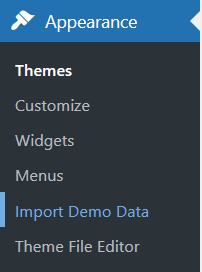
- After the installation process is complete, head over to the “Import Demo Data” page.
- Click on “Import Demo Data” to start the process.
- Go through the wizard to import the demo pages and settings.
Note: The demo data import will help you set up the theme with sample content and configurations to give you a head start.

Template Configuration #
The FindPal theme is expertly crafted atop the powerful “WP Job Manager” plugin, which is a free and versatile tool. Leveraging this plugin, the theme seamlessly imports assets and transforms them into compatible post types, effortlessly managed by WP Job Manager.
For those seeking personalized listings pages and single asset displays, customization options abound within the WP Job Manager plugin, allowing users to tailor the experience to their specific needs.
Additionally, FindPal offers Elementor Headers and Footers that are fully customizable, providing further flexibility in crafting a unique website.

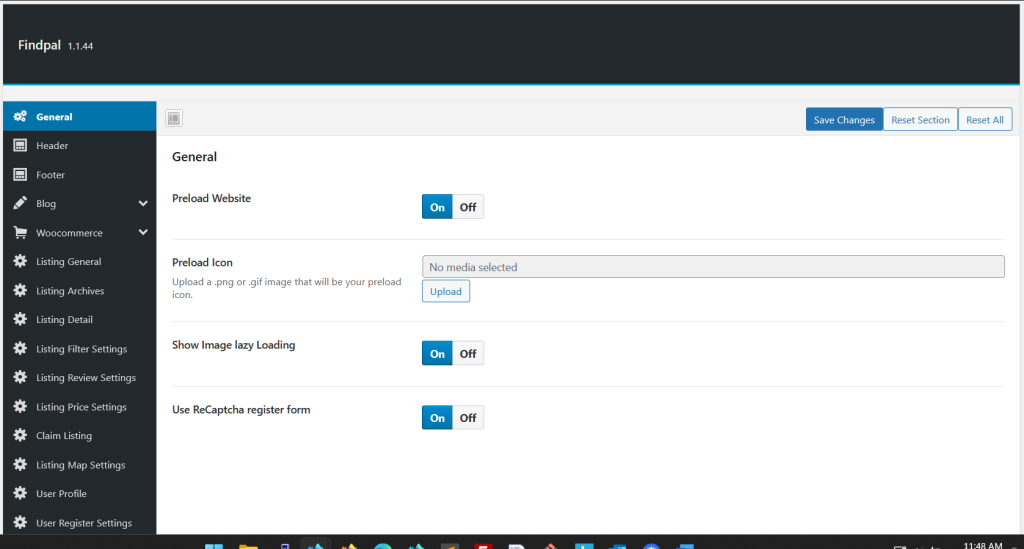
To streamline the overall theme configuration, users can find dedicated theme options conveniently located under “FindPal Options” in the WordPress admin menu, making the customization journey both intuitive and efficient.
Conclusion #
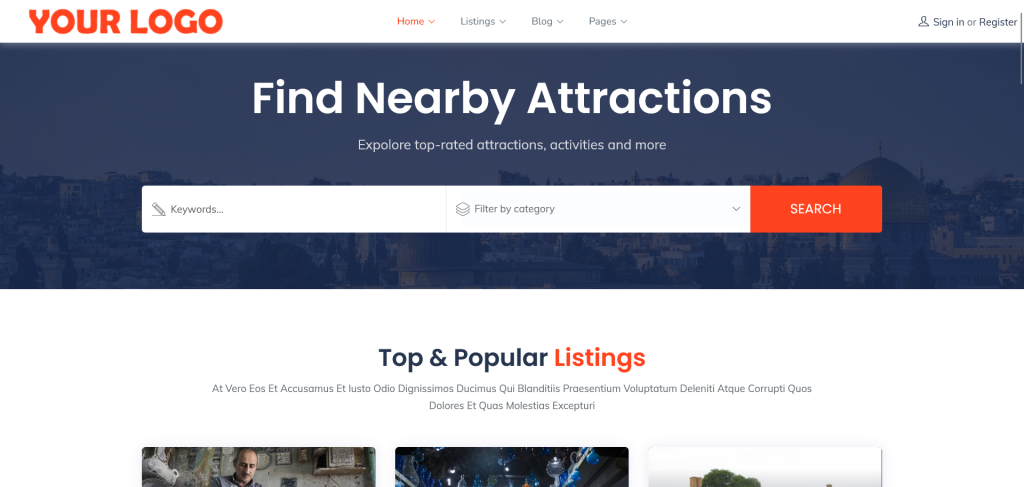
Congratulations! You have successfully set up the Destination Palestine FindPal WordPress theme and configured the required plugins. Your website should now have the initial structure and design as demonstrated in the theme demo.
Feel free to customize the imported content, settings, and design to suit your specific needs.
